
Easy Payment in Trial Mode: How to use it?

By Cleef Millien | Founder of Cleefcompany
Category: Payment Methods | Blog
Updated: 27.05.2020
easy-payment-chile

To understand the processes a customer goes through when making a purchase on your website or online store, you should use Pago Fácil in test mode or development mode as if you were a developer.

Although it sounds difficult, it isn't. Follow the steps in this post. And the video too, when it's available, you'll see how easy it is. Then leave me a comment to tell me how it went or if I can help you with anything else.

How to use Pago Fácil in trial mode?

First, you must have an account at Pago Fácil. An account that he normally uses to receive payments from his customers. If you don't have an account, don't worry, just click "register" and create one.

There are some important things you should know:

There are two types of Dashboard or Cpanel that you can access.

  • The first, This is where you normally configure all the settings in your easy payment account.
  • The second It is in the test environment.

The main difference between the two is the type of bond.

The other information you should know is that I will be using a test credit and debit card.

Enough with the theory, although it was important, let's get to the practical side.

The steps to follow to use trial mode in Pago Fácil

Go directly to the test environment link http://dashboard-dev.pagofacil.cl/

If you don't already have a trial or development account, they will ask you to upload a personal photo or selfie and also upload both sides of your ID card one by one.

If you're having trouble being recognized in your photo by the system, simply contact an Executive directly via the Easy Payment Chat. They will assist you with the verification process after you send them the photos.

Once everything is ready, they will verify your identity.

Enter your email and password for your Pago Fácil account or the account you created previously.

Click on “My Services”.

Click on “View More” and then scroll down to the “List of Payment Buttons” module.

Copy the “Payment URL” link and paste it into your browser to begin the trial payment process.

Once you have pasted the link, you must enter the details and click on pay.

You'll see all the available payment options (Webpay, Multicaja cash, and many more). Select a payment method and follow the payment process. In this case, I'm going to use Webpay Plus.

Select credit card and enter the card details: card number, expiration date, and 3-digit code.

Here is the information on test cards so you can use it as well:

VISA Credit Card
Card Number: 4051885600446623
Expiration year: Next year after now.
Expiration month: Any month.
Security code: 123

For Redcompra VIS CardA
Card Number: 4051885600446623
Other debit card numbers to consider are: 12345678.

Next, click "Continue", accept the no-quota option and "Continue" again.

Enter number RUT: 11.111.111-1 and Key: 123. Then click on “Accept”.

Once you complete the steps, it will tell you that your payment was successful.

If you have a page to thank the customer once they complete the purchase, the customer will be automatically redirected to your website after a few seconds and the purchase will be considered complete.

If you need help with a specific Digital Solution, you can Contact us for advice.  

Share this post and leave a comment to help us help more people 

At Cleefcompany, we wish you much success, prosperity, and health! 
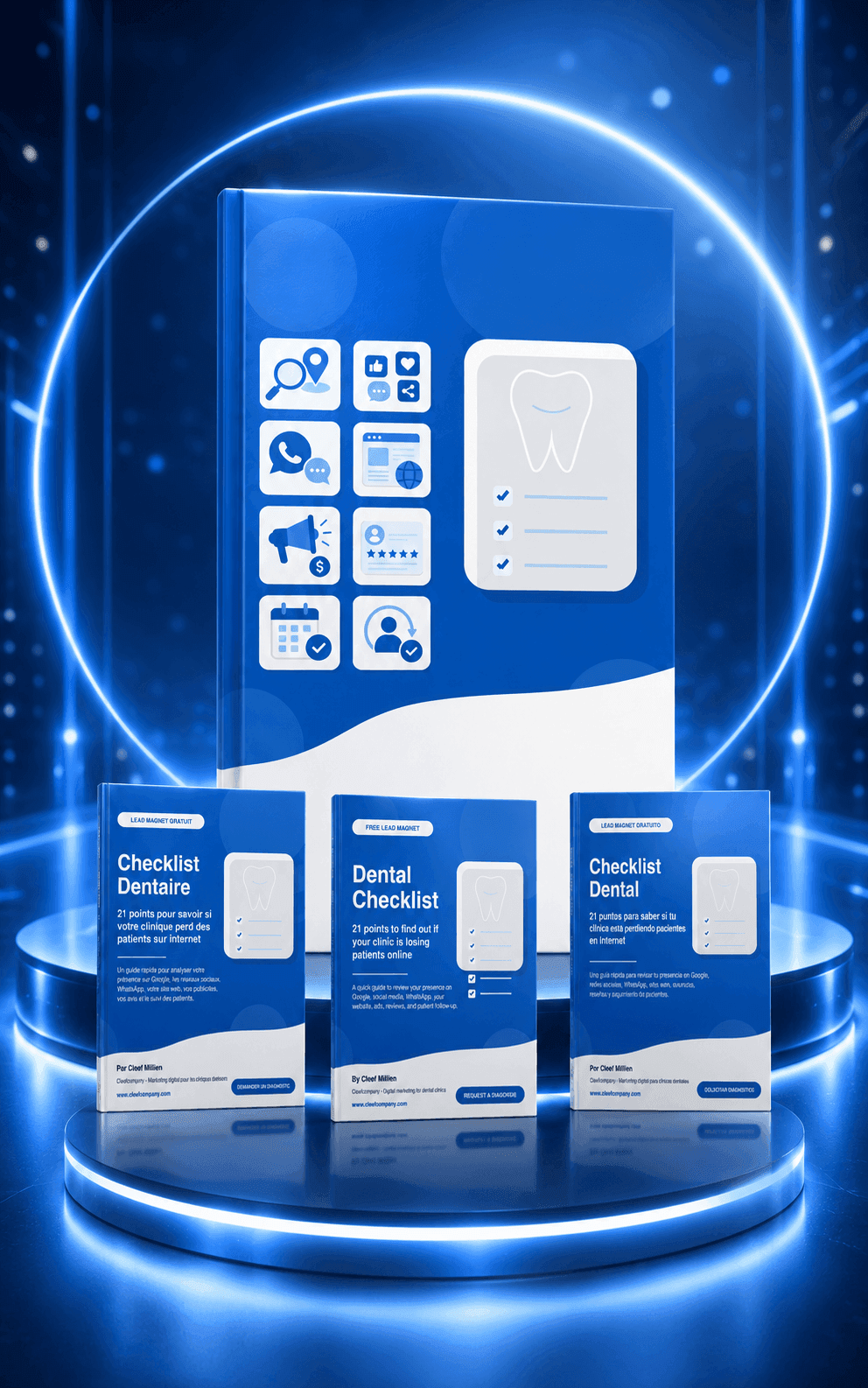
Is your dental clinic losing patients online?

Download the free dental checklist and discover whether your clinic is missing opportunities on Google, social media, WhatsApp, and your website.

This is not a generic guide. It is a practical review to help you identify which areas of your digital presence may be costing you new patients.

You will receive the resource and be able to review your clinic's digital presence step by step.

Free diagnosis for Dental Clinics

Want a clear review of what may be limiting your clinic's growth online?

We analyze your website, local visibility, advertising, WhatsApp, booking process, and follow-up system.

Ideal if you want to attract more patients but don't know where your system is failing.

Dental Marketing with a system, not improvisation

At Cleefcompany, we help dental clinics stop relying on random marketing actions and start building a patient acquisition system.

Your clinic needs more than ads. It needs strategy, structure, tracking, follow-up, and conversion.

About Cleef Millien

About Cleef Millien

Founder and CEO of Cleefcompany SpA.

I help clinics and businesses build digital presence, patient acquisition systems, SEO strategies, landing pages, WhatsApp follow-up, and paid advertising campaigns.

My goal is simple: help you turn digital marketing into a real growth system, not just isolated online actions.

Dental Marketing Topics

  • SEO for dental clinics
  • Google Ads for dentists
  • Facebook Ads for dental clinics
  • Dental landing pages
  • WhatsApp for dental practices
  • Dental patient acquisition systems
  • Profitability, processes, and dental marketing

Do you want to review your dental patient acquisition system?

If you are investing in marketing but still don't have a clear flow of new patient inquiries, we can review your current system and show you where the main opportunities are.

Related Entries

How to Implement Retargeting: A Step-by-Step Guide

How to Implement Retargeting: A Step-by-Step Guide

Do you want to improve the performance of your advertising campaigns?
Discover how to implement an effective retargeting strategy with our step-by-step guide.
Learn to avoid common mistakes and optimize your advertising results.
Are you ready to transform your campaigns and get better results? Read on to find out how!

How to Create an Effective and Attractive Product Catalog

How to Create an Effective and Attractive Product Catalog

Learn how to design an effective product catalog that captures attention and converts visitors into customers.
Discover key strategies and practical examples to stand out in the competitive market.
Are you ready to transform your catalog and maximize your sales?
Read more to find out how to achieve it.

Demographic Segmentation: Keys to Improving Your Marketing

Demographic Segmentation: Keys to Improving Your Marketing

Discover how demographic segmentation can boost your marketing strategies.
Learn effective techniques and explore examples of companies that have achieved remarkable success by applying these strategies.
Ready to transform your marketing approach?
Read our post to learn how to apply these tactics and improve your results.

Effective Strategies for Campaign Management

Effective Strategies for Campaign Management

Discover how to manage digital marketing campaigns effectively, from strategic planning to continuous optimization.
Learn to define clear goals, create engaging content, and select the right channels.
Do you want to maximize the success of your digital marketing strategies?
Read the full post at cleefcompany.com.

Facebook Pixel: A Complete Guide to Success in Facebook Ads

Facebook Pixel: A Complete Guide to Success in Facebook Ads

Discover how to maximize your digital presence with ad auctions.
Learn strategies to compete fairly, optimize bids, and measure results.
Ready to transform your online marketing strategy?
Immerse yourself in the exciting world of ad auctions and take your brand to the next level. Don't miss this opportunity!

Facebook Manager: Keys to Boosting Your Business

Facebook Manager: Keys to Boosting Your Business

Discover how Facebook Manager can transform the management of your business on social media.
Learn how to set up accounts, assign roles, and use analytics tools to optimize your advertising campaigns.
Ready to take your Facebook marketing to the next level and maximize your results?

Optimize your social media with Meta Business Suite

Optimize your social media with Meta Business Suite

Meta Business Suite lets you manage your Facebook and Instagram accounts from a single platform, optimizing content creation, scheduling, and data analysis. Discover how these tools can enhance your digital marketing strategy.
Want to know how to get the most out of Meta Business Suite?

Complete Guide to Facebook Ads Manager

Complete Guide to Facebook Ads Manager

Learn how to set up and manage Facebook Ads Manager to optimize your advertising campaigns.
Discover advanced strategies like retargeting and A/B testing to maximize performance. Want to take your Facebook ads to the next level?

0 Comments

Submit a Comment

Your email address will not be published. Required fields are marked *

Pin It on Pinterest