
How to modify a website without putting it into maintenance mode

By Cleef Millien | Founder of Cleefcompany
Updated: 23.11.2021
wordpress-maintenance-mode

Normally, to modify a page within a Website, You need to put it in maintenance mode to avoid a bad user experience on your website. 

In most cases, you don't need to put the entire website into maintenance mode if you're not going to change all the pages and structures of your website. 

This type of work is almost always done with plugins, especially by people who are not professional developers.  

There are many plugins available for WordPress that allow you to do this job without touching code, for example; the WP Maintenance Mode plugin.

Personally, I have used it in my company when developing a website for a client or for a project of my company.  

But in this post I'm going to explain how to modify a page within your website without putting it into maintenance mode.  

With years of work and development in WordPress, I have learned a lot and invented tricks that help me when I work.

In this special case, if you need to change a page and don't need your customers or users to see the changes before final publication, you can do the following:  

  1. Put the page in draft mode 
  2. Set the page to private. 
  3. Create a development page 

In this post, I'm going to focus on point 3.

If you have any questions about how to perform steps 1 and 2, leave me a comment so I can help you. 

How to create a "development" page for your WordPress website? 

You must log into your WordPress website, find the option that says “pages”, and click on “add new” page.

Next, you should name the page "Development", save it as a draft, and start editing.

Remember, you shouldn't publish this page, because it's only a draft to work on the final design that you should export to the page you actually want to modify.  

Once you finish designing the layout you're going to put on the page you want to modify, export it as a .Json file in Divi if it's a complete page, or save it in the "Divi Library" if it's just a layout and not a page. Watch the video for more details. 

If it's the entire page you've exported, go to the page you want to modify and click on the three dots at the bottom of the page, click on portability and then click on "Import".

You must upload the previously exported .Json file, check “Replace existing content” if you want to replace all the page content, and finally, click on “Import Divi Builder Layout”. 

Ready! 

If you have only saved the design in the “Divi Library”, you must click add “Section” or “Rows” or “Modules” depending on the format in which you saved the design in the “Divi Library”, select “Add from Library” and choose the design you had saved.

After checking that everything is correct, you save and publish your modifications. 

Ready! 

If you need help with a specific Digital Solution, you can Contact us for advice.  

Share this post and leave a comment to help us help more people 

At Cleefcompany, we wish you much success, prosperity, and health! 
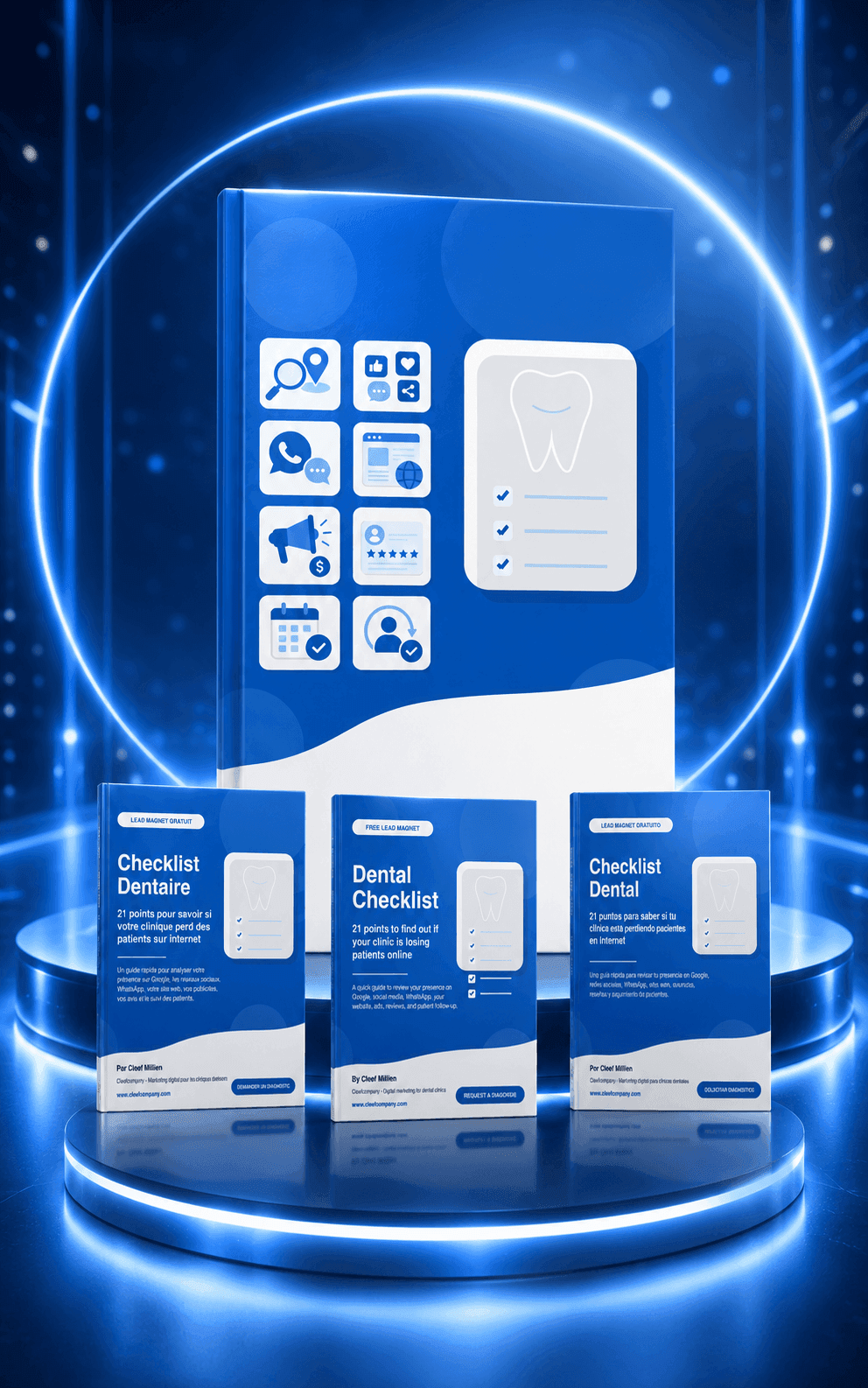
Is your dental clinic losing patients online?

Download the free dental checklist and check if your clinic has leaks in Google, website, WhatsApp, ads, tracking and measurement.

This is not a generic guide. It's a practical review to help you identify which part of your lead generation system might be blocking new inquiries.

Dental Checklist

You will receive the resource and be able to move forward to the free dental marketing diagnostic.

Free diagnostics for dental clinics

Answer a few simple questions and find out if your clinic is ready to turn visits into real consultations.

We evaluate Google Maps, website, digital advertising, WhatsApp, business tracking, and results measurement.

Ideal if you already have a website, social media, or ads, but don't know what's going wrong.

Dental marketing with a system, not with improvisation

At Cleefcompany we help dental clinics build digital lead generation systems: paid advertising, local SEO, landing pages, WhatsApp, automation and tracking.

The goal isn't just to get more visits. The goal is to convert those visits into real inquiries, scheduled appointments, and measurable opportunities.

About Cleef Millien

About Cleef Millien

Founder and CEO of Cleefcompany SpA

I help clinics and businesses build digital lead generation systems with advertising, local SEO, landing pages, WhatsApp, automation, and sales tracking.

Rather than attracting traffic, the goal is to convert visits into real inquiries.

Dental Marketing Topics

  • Local SEO for dentists
  • Google Ads for dental clinics
  • Facebook Ads for dentists
  • Dental landing pages
  • WhatsApp for dental clinics
  • Follow-up of potential patients
  • Profitability and measurement in dental marketing

Do you want to check your dental coverage?

If your clinic receives visits, messages, or inquiries, but doesn't convert enough, there may be a leak in the system.

Do you want to attract your ideal customers?

Download the e-book Attract and Sell to Your Ideal Customers (FREE)

1.0. ebook Learn and sell to your ideal customers

Is your dental clinic losing patients online?

Download the free dental checklist and check if your clinic has leaks in Google, website, WhatsApp, ads, tracking and measurement.

This is not a generic guide. It's a practical review to help you identify which part of your lead generation system might be blocking new inquiries.

Dental Checklist

Related Entries

How to Implement Retargeting: A Step-by-Step Guide

How to Implement Retargeting: A Step-by-Step Guide

Do you want to improve the performance of your advertising campaigns?
Discover how to implement an effective retargeting strategy with our step-by-step guide.
Learn to avoid common mistakes and optimize your advertising results.
Are you ready to transform your campaigns and get better results? Read on to find out how!

How to Create an Effective and Attractive Product Catalog

How to Create an Effective and Attractive Product Catalog

Learn how to design an effective product catalog that captures attention and converts visitors into customers.
Discover key strategies and practical examples to stand out in the competitive market.
Are you ready to transform your catalog and maximize your sales?
Read more to find out how to achieve it.

Demographic Segmentation: Keys to Improving Your Marketing

Demographic Segmentation: Keys to Improving Your Marketing

Discover how demographic segmentation can boost your marketing strategies.
Learn effective techniques and explore examples of companies that have achieved remarkable success by applying these strategies.
Ready to transform your marketing approach?
Read our post to learn how to apply these tactics and improve your results.

Effective Strategies for Campaign Management

Effective Strategies for Campaign Management

Discover how to manage digital marketing campaigns effectively, from strategic planning to continuous optimization.
Learn to define clear goals, create engaging content, and select the right channels.
Do you want to maximize the success of your digital marketing strategies?
Read the full post at cleefcompany.com.

Facebook Pixel: A Complete Guide to Success in Facebook Ads

Facebook Pixel: A Complete Guide to Success in Facebook Ads

Discover how to maximize your digital presence with ad auctions.
Learn strategies to compete fairly, optimize bids, and measure results.
Ready to transform your online marketing strategy?
Immerse yourself in the exciting world of ad auctions and take your brand to the next level. Don't miss this opportunity!

Facebook Manager: Keys to Boosting Your Business

Facebook Manager: Keys to Boosting Your Business

Discover how Facebook Manager can transform the management of your business on social media.
Learn how to set up accounts, assign roles, and use analytics tools to optimize your advertising campaigns.
Ready to take your Facebook marketing to the next level and maximize your results?

Optimize your social media with Meta Business Suite

Optimize your social media with Meta Business Suite

Meta Business Suite lets you manage your Facebook and Instagram accounts from a single platform, optimizing content creation, scheduling, and data analysis. Discover how these tools can enhance your digital marketing strategy.
Want to know how to get the most out of Meta Business Suite?

Complete Guide to Facebook Ads Manager

Complete Guide to Facebook Ads Manager

Learn how to set up and manage Facebook Ads Manager to optimize your advertising campaigns.
Discover advanced strategies like retargeting and A/B testing to maximize performance. Want to take your Facebook ads to the next level?

0 Comments

Submit a Comment

Your email address will not be published. Required fields are marked *

Pin It on Pinterest